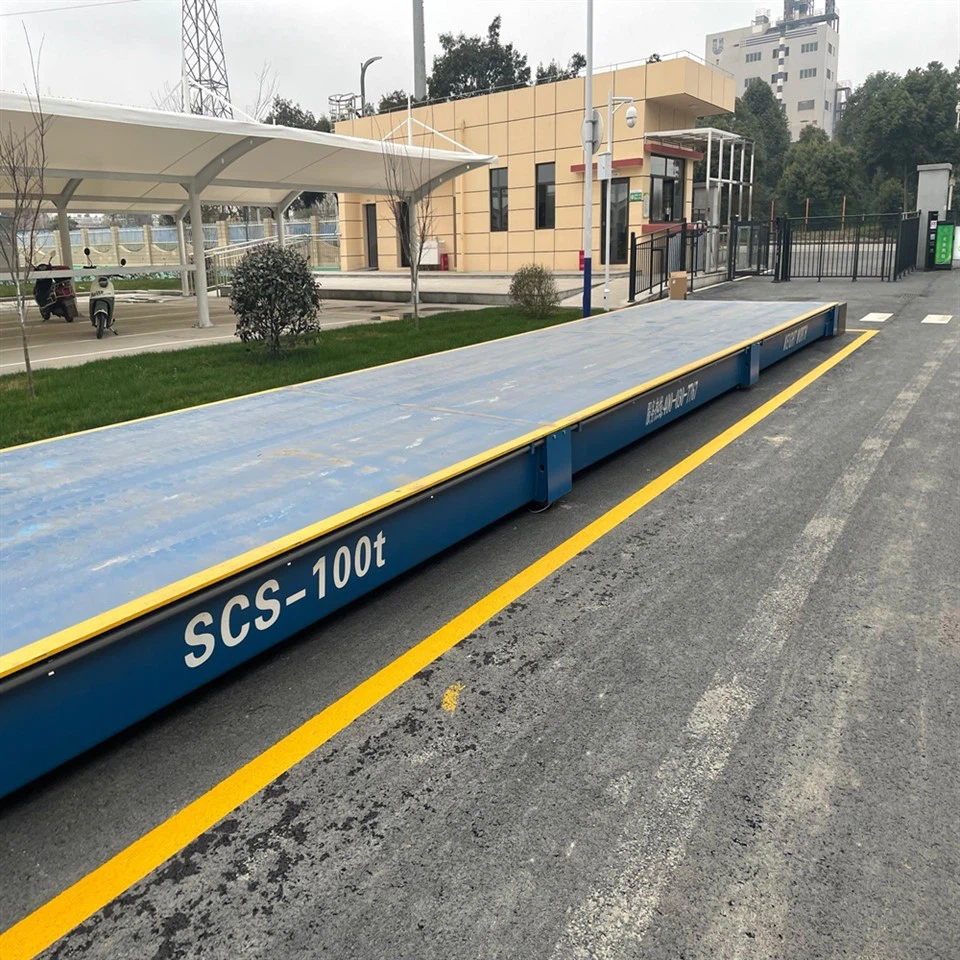
As a supplier of weigh modules, I understand the importance of a strong and stable signal in ensuring the accuracy and reliability of weighing systems. A weak signal can lead to inaccurate readings, data loss, and even system failures, which can have a significant impact on the efficiency and productivity of your operations. In this blog post, I will share some practical tips on how to improve the signal strength of a wireless weigh module.
Understanding the Basics of Wireless Signals
Before we dive into the solutions, it's essential to understand the basics of wireless signals. Wireless weigh modules use radio frequency (RF) signals to transmit data from the weighing sensor to the receiver. These signals can be affected by various factors, including distance, interference, and obstacles.
- Distance: The strength of a wireless signal decreases as the distance between the transmitter and the receiver increases. This is known as the inverse square law, which means that if you double the distance between the two devices, the signal strength will decrease by a factor of four.
- Interference: Wireless signals can be disrupted by other electronic devices operating on the same frequency band. Common sources of interference include Wi-Fi routers, Bluetooth devices, microwave ovens, and other wireless sensors.
- Obstacles: Physical obstacles such as walls, metal structures, and other objects can block or weaken wireless signals. The material and thickness of the obstacle can also affect the signal strength.
Tips to Improve Signal Strength
Now that we understand the factors that can affect wireless signals, let's explore some practical tips to improve the signal strength of your wireless weigh module.
1. Optimize the Placement of the Weigh Module and Receiver
The placement of the weigh module and the receiver is crucial for ensuring a strong and stable signal. Here are some guidelines to follow:
- Minimize the Distance: Place the weigh module and the receiver as close to each other as possible. If the distance is too great, consider using signal repeaters or boosters to extend the range.
- Avoid Obstacles: Ensure that there are no physical obstacles between the weigh module and the receiver. If possible, place the devices in a line of sight to minimize signal interference.
- Elevate the Receiver: Placing the receiver at a higher elevation can help to improve the signal strength, as it can reduce the impact of obstacles and interference.
2. Choose the Right Frequency Band
Wireless weigh modules typically operate on different frequency bands, such as 433 MHz, 868 MHz, or 2.4 GHz. The choice of frequency band can have a significant impact on the signal strength and range. Here are some considerations:
- Lower Frequencies: Lower frequency bands, such as 433 MHz or 868 MHz, generally have a longer range and better penetration through obstacles. However, they may be more susceptible to interference from other devices operating on the same frequency.
- Higher Frequencies: Higher frequency bands, such as 2.4 GHz, offer faster data transfer rates and are less crowded. However, they have a shorter range and are more easily blocked by obstacles.
When choosing a frequency band, consider the specific requirements of your application, including the distance between the weigh module and the receiver, the presence of obstacles, and the potential for interference.
3. Reduce Interference
As mentioned earlier, interference can significantly affect the signal strength of your wireless weigh module. Here are some ways to reduce interference:
- Use Shielded Cables: Shielded cables can help to reduce electromagnetic interference (EMI) and radio frequency interference (RFI). Make sure to use high-quality shielded cables for all connections between the weigh module and other components.
- Separate Wireless Devices: Keep your wireless weigh module away from other wireless devices operating on the same frequency band. If possible, use a different frequency band for your weigh module or adjust the channel settings to minimize interference.
- Turn Off Unnecessary Devices: Turn off any unnecessary electronic devices in the vicinity of the weigh module, such as Wi-Fi routers, Bluetooth devices, and microwave ovens. These devices can generate electromagnetic fields that can interfere with the wireless signal.
4. Upgrade the Antennas
The antennas on your wireless weigh module and receiver play a crucial role in transmitting and receiving signals. Upgrading to high-gain antennas can significantly improve the signal strength and range. Here are some tips:
- Choose the Right Antenna Type: There are different types of antennas available, such as omnidirectional and directional antennas. Omnidirectional antennas radiate signals in all directions, while directional antennas focus the signal in a specific direction. Choose the antenna type that best suits your application.
- Position the Antennas Correctly: Make sure to position the antennas vertically and away from any metal objects or other sources of interference. If possible, elevate the antennas to improve the signal strength.
5. Use Signal Repeaters or Boosters
If the distance between the weigh module and the receiver is too great or there are significant obstacles in the way, you may need to use signal repeaters or boosters to extend the range. Signal repeaters receive the wireless signal from the weigh module, amplify it, and then retransmit it to the receiver. Boosters, on the other hand, amplify the existing signal to improve its strength.
When using signal repeaters or boosters, make sure to choose a product that is compatible with your wireless weigh module and operating frequency band. Follow the manufacturer's instructions carefully for installation and configuration.


Conclusion
Improving the signal strength of a wireless weigh module is essential for ensuring the accuracy and reliability of your weighing system. By optimizing the placement of the weigh module and receiver, choosing the right frequency band, reducing interference, upgrading the antennas, and using signal repeaters or boosters, you can significantly enhance the performance of your wireless weighing system.
At our company, we offer a wide range of high-quality Digital Weigh Module, Static And Dynamic Weigh Modules, and Static Load Weigh Modules that are designed to provide strong and stable signals. If you have any questions or need assistance with improving the signal strength of your wireless weigh module, please don't hesitate to contact us. We are here to help you find the best solution for your specific needs.
References
- "Wireless Communication Principles and Practice" by Theodore S. Rappaport
- "RF and Microwave Wireless Systems" by David M. Pozar
- Manufacturer's documentation for wireless weigh modules and related components